Image
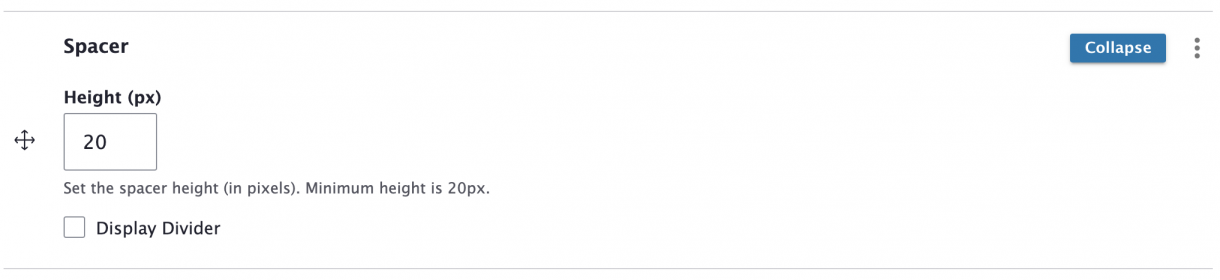
A Spacer adds white space between other content blocks, letting you adjust the visual layout of your content.
1. When editing a Page or Story, click Add Content Block and choose Spacer.
2. Set the Spacer Height (in pixels). The minimum, and default, is 20 pixels high.
3. To add an optional horizontal divider line, select the Display Divider checkbox.
4. Check the Published box – or uncheck it if you want to hide this block.
A 20px Spacer is below this line of text (in a Content Box)...
... And above this line of text (in a second Content Box).
A 20px Spacer with the Display Divider checkbox selected is beneath this line of text.