Image
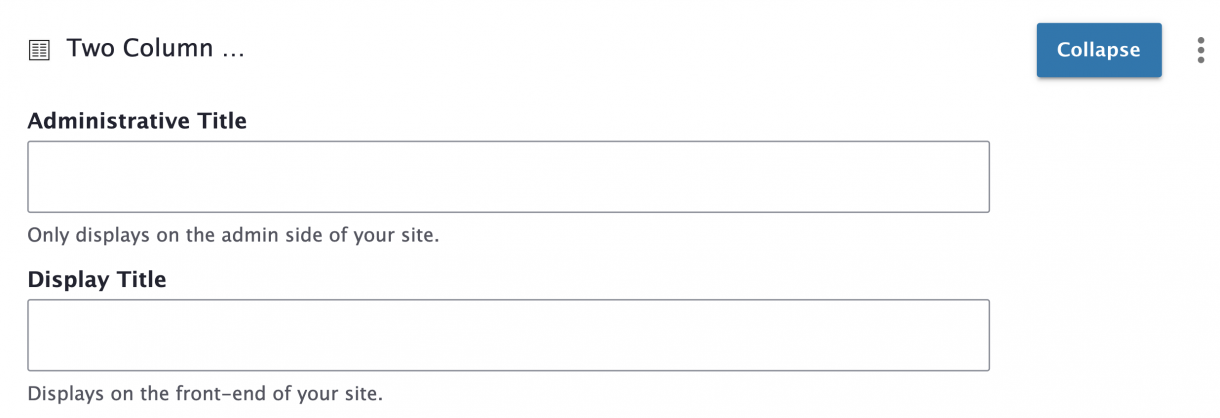
2- & 3-column rows can have different Content Blocks nested within them.
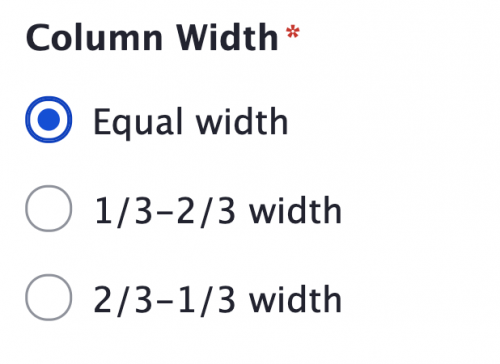
The 2-column row has different width options available:
The 3-column row is 3 columns of equal width.
(* = required field)
1. When editing a Page or Story, click Add a Content Block and choose 2-Column Row.
2. Add an Administrative Title and Display Title (the display title will appear as a header above the row).
3. Choose Column Width*.
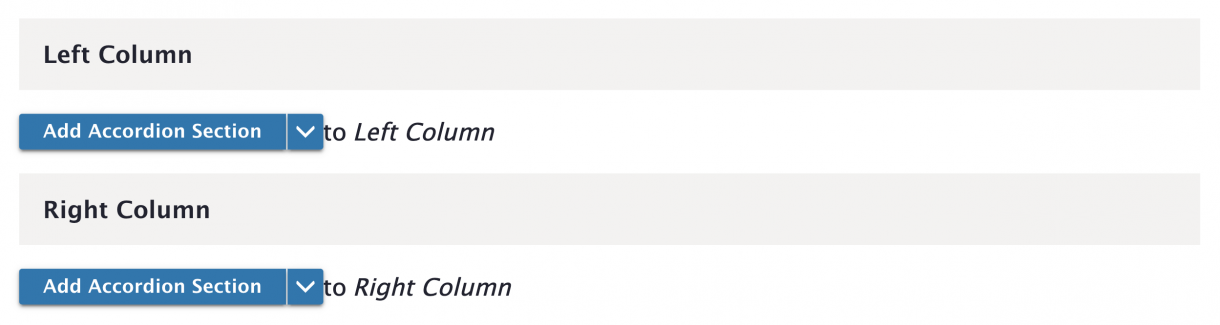
4. Add content blocks to the Left Column and Right Column.
(* = required field)
1. When editing a Page or Story, click Add a Content Block and choose 3-Column Row.
2. Add an Administrative Title and Display Title (the display title will appear as a header above the row).
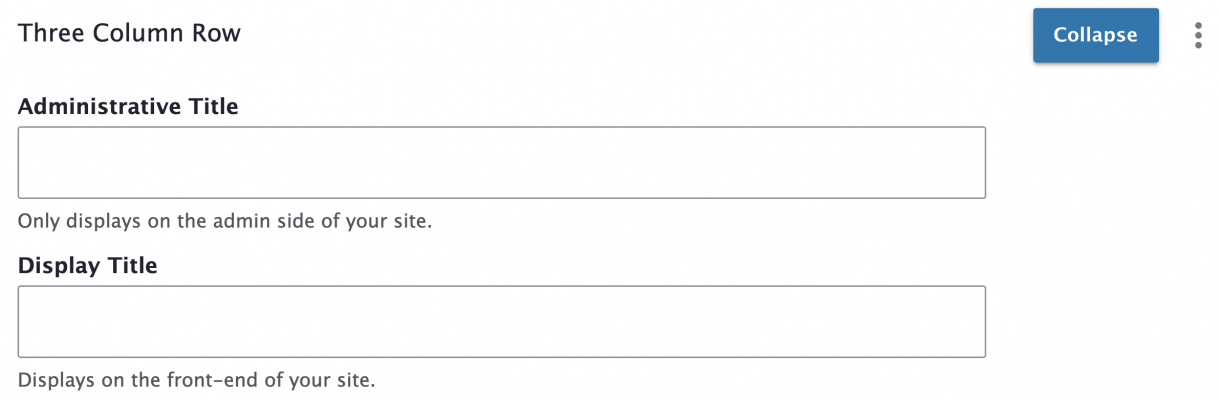
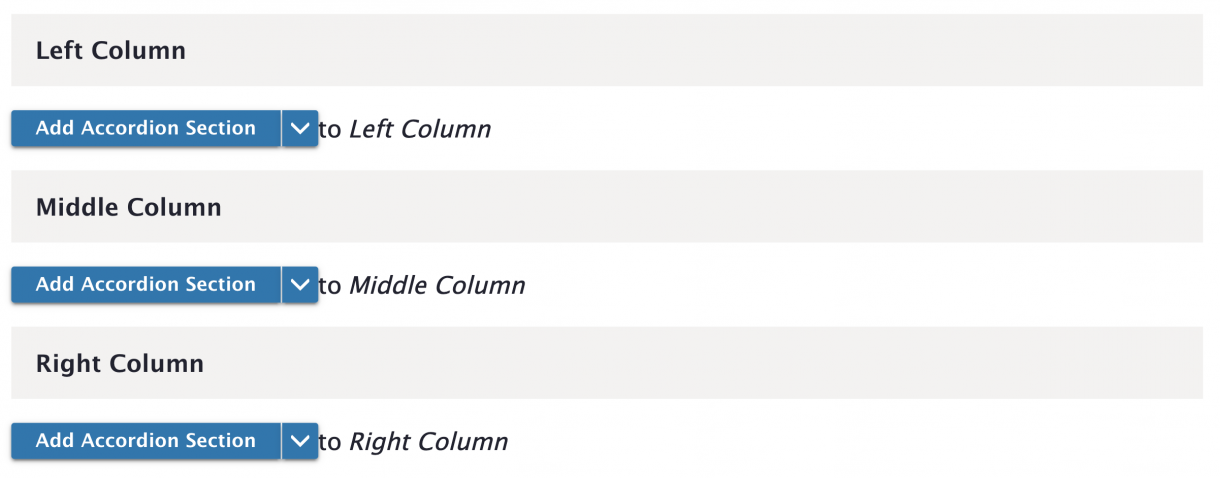
3. Add content blocks to the Left Column, Middle Column, and Right Column.
Visit the Layouts & Content Blocks page to see which content blocks are available on Page and Story content types.
To temporarily hide or disable content, you can unpublish either the entire row or individual blocks within it. Simply uncheck the corresponding Published checkboxes.